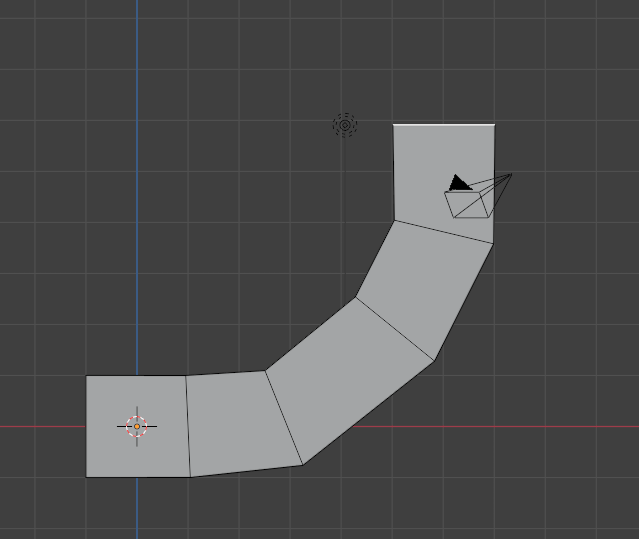
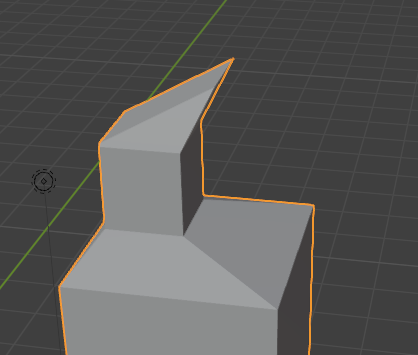
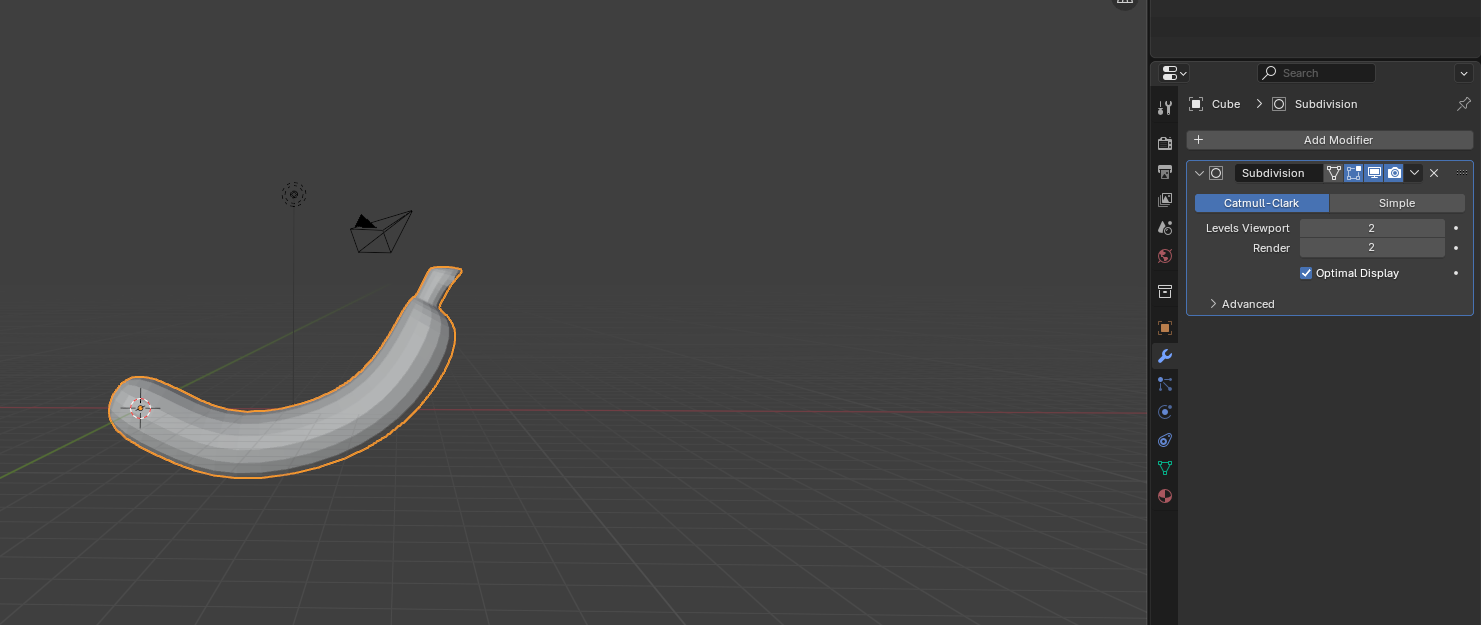
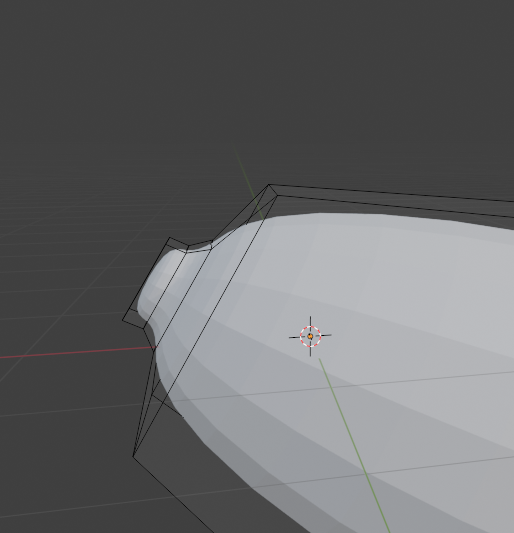
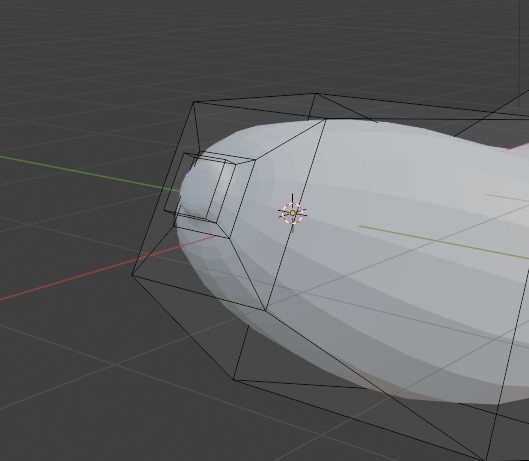
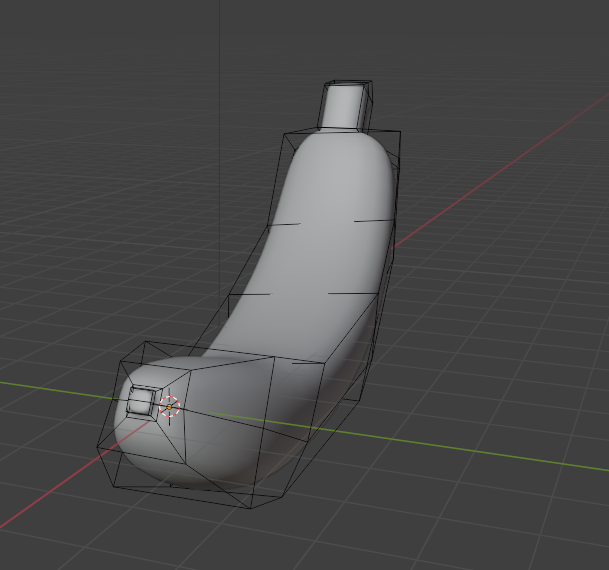
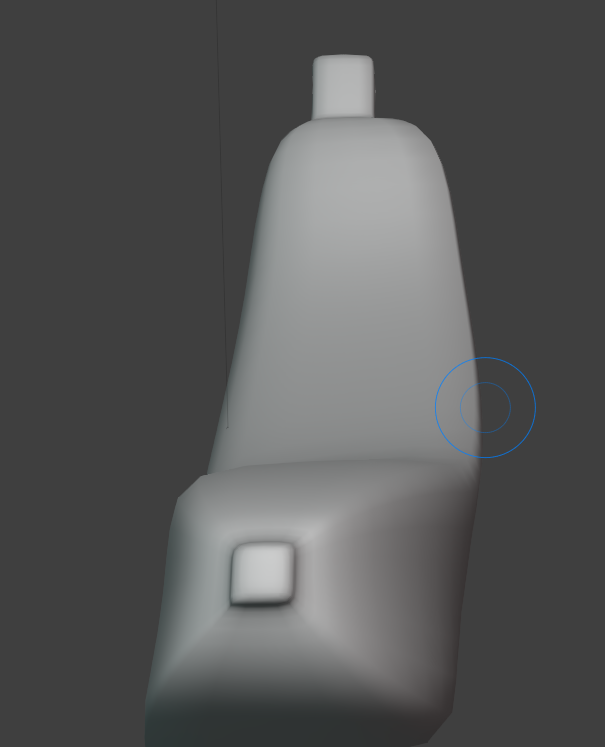
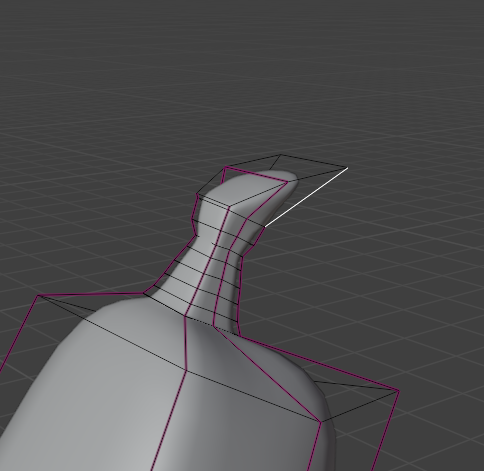
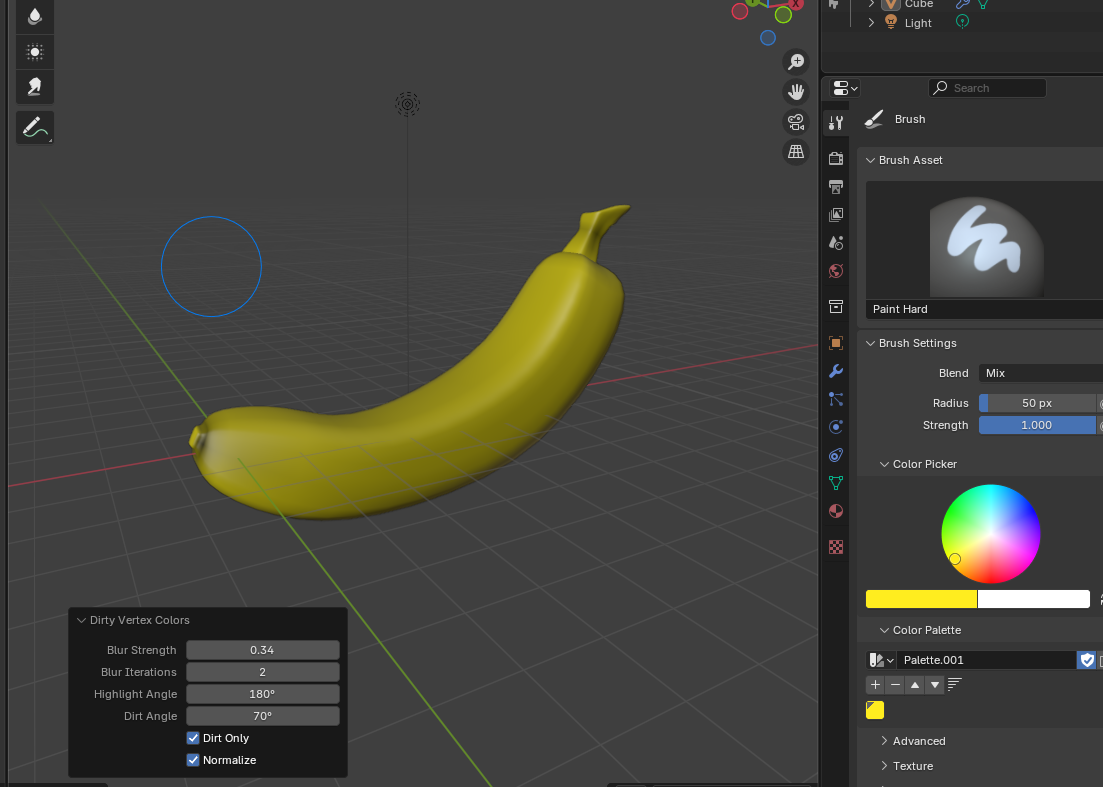
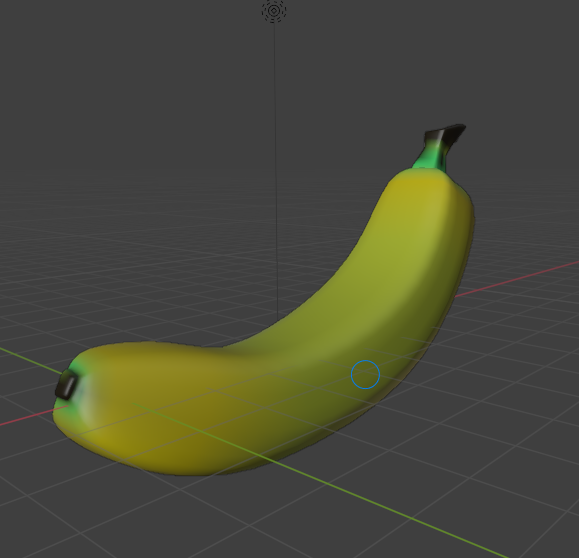
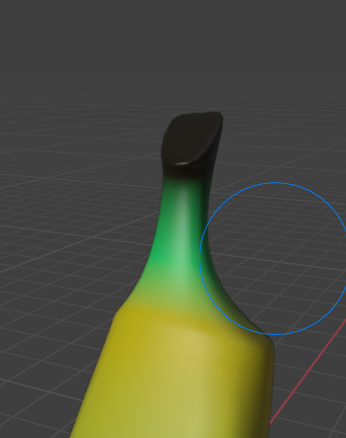
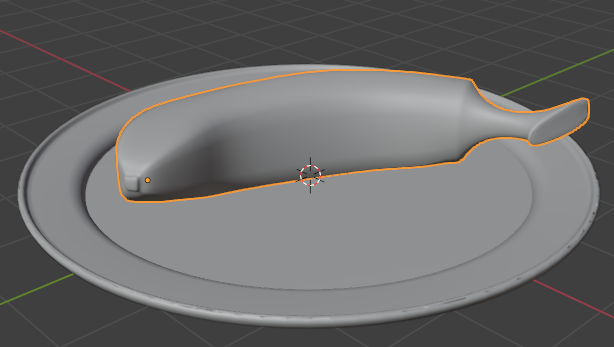
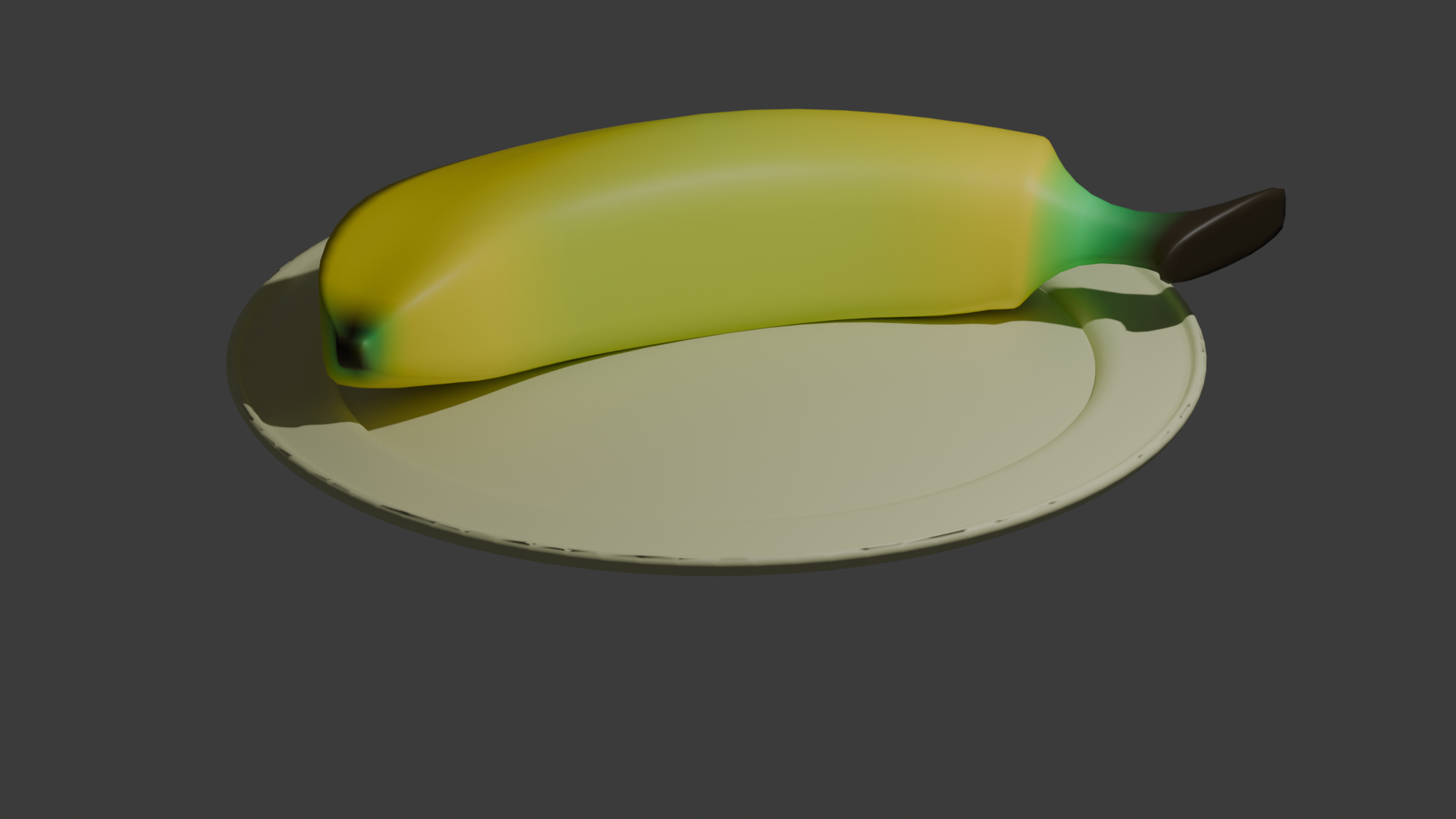
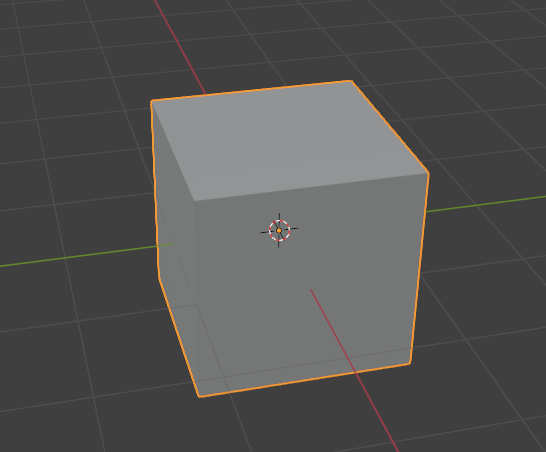
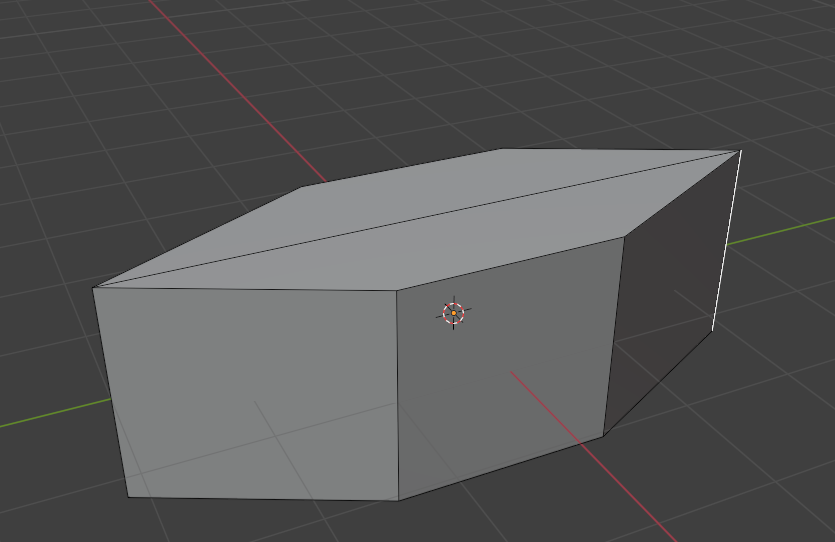
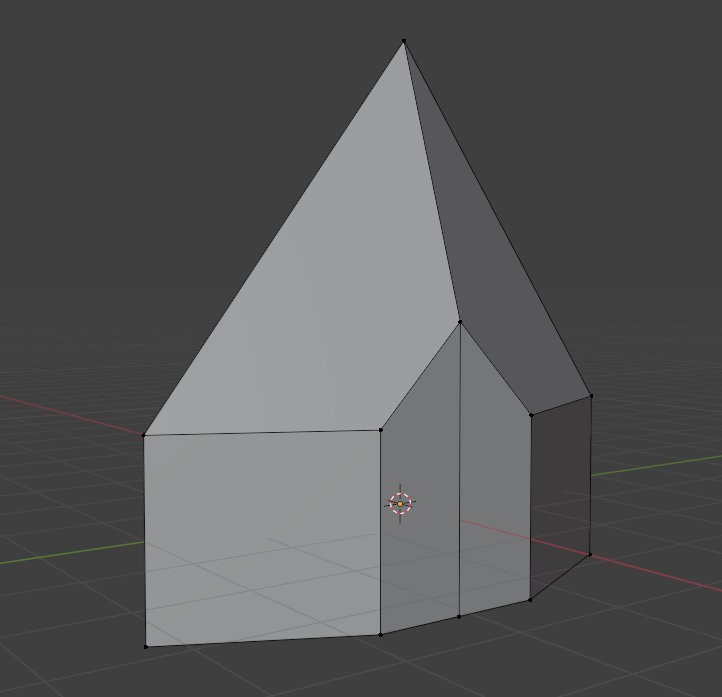
Extrude the a face of a cube to create the general shape of a banana.Scale the face down and extrude to create a stem, the move an edge to creat the angular part of the stem.Add a subdivision modifier to make the banana more smooth.Scale a face down and extrude the opposite end to create a tiny stub.Scale the end of the banana for a more realistic shape.Select some of the edges and move them around so the banana is more uneven.Sculpt the moved edges and give it a more realistic shape I scaled down the stem to make it thinnerWent into UV paint, went into vertex paint and then gave the banana a base cote of yellowAdded green and brown to the ends, I also added some green and brown throught the body to add some dirt.Here I remodeled the stem, I deleted the old stem, created a new face and did the same process.For the final shot i put it on a plate, which comes from a previous render I did in sec 5.Final Render
Inorganic
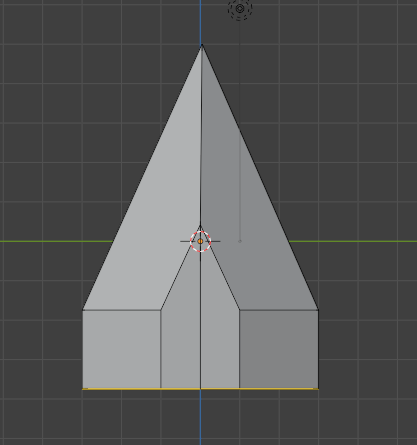
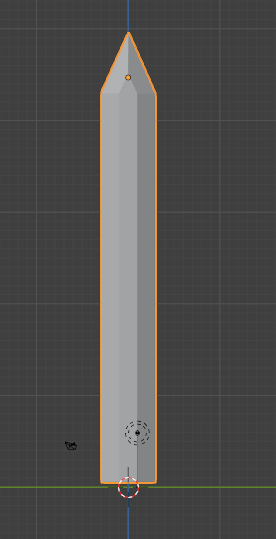
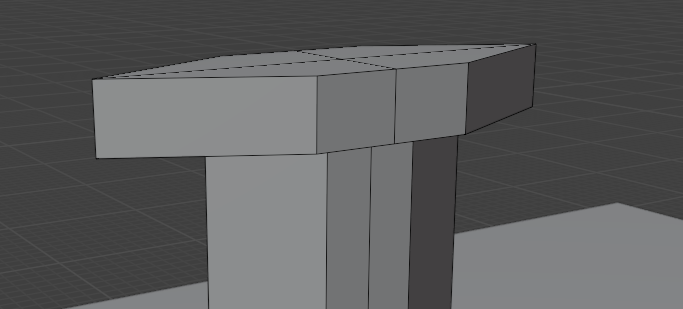
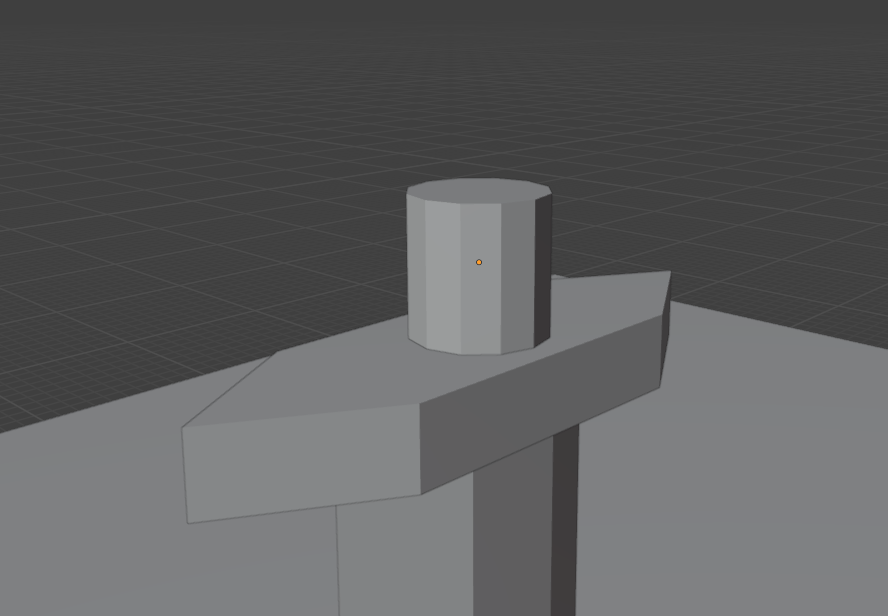
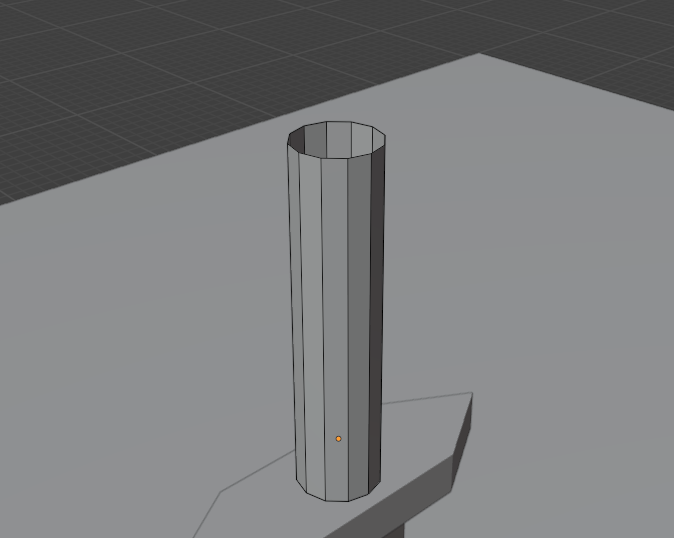
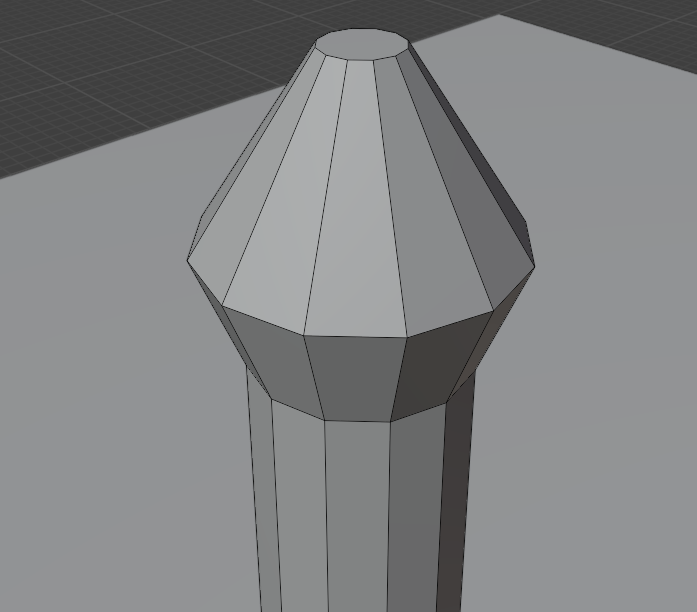
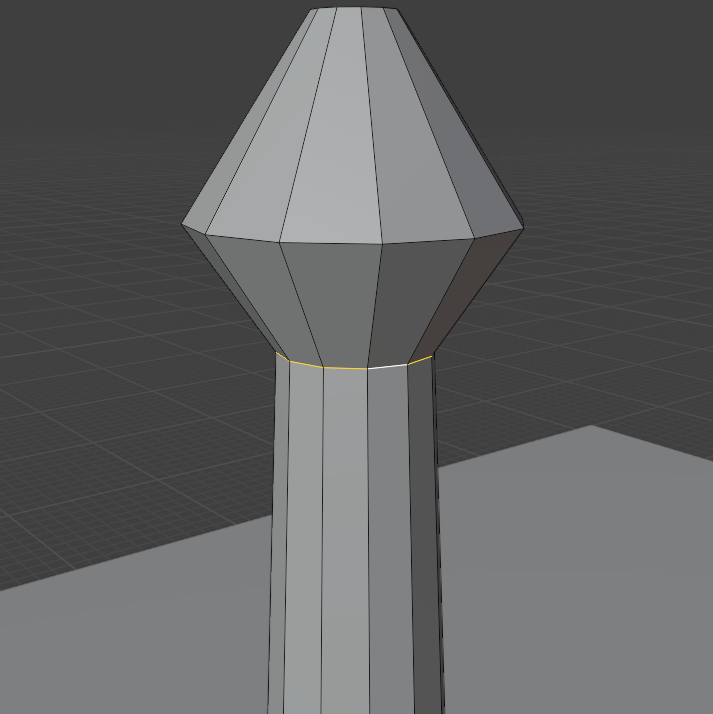
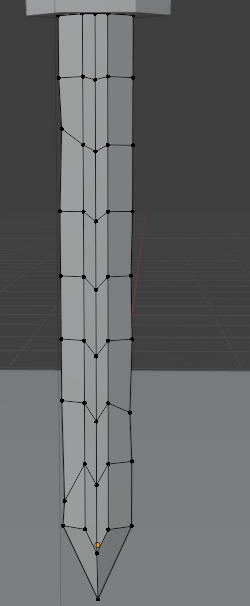
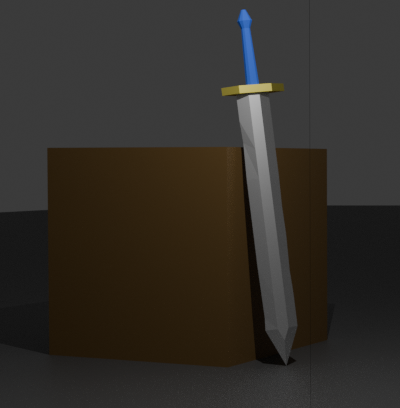
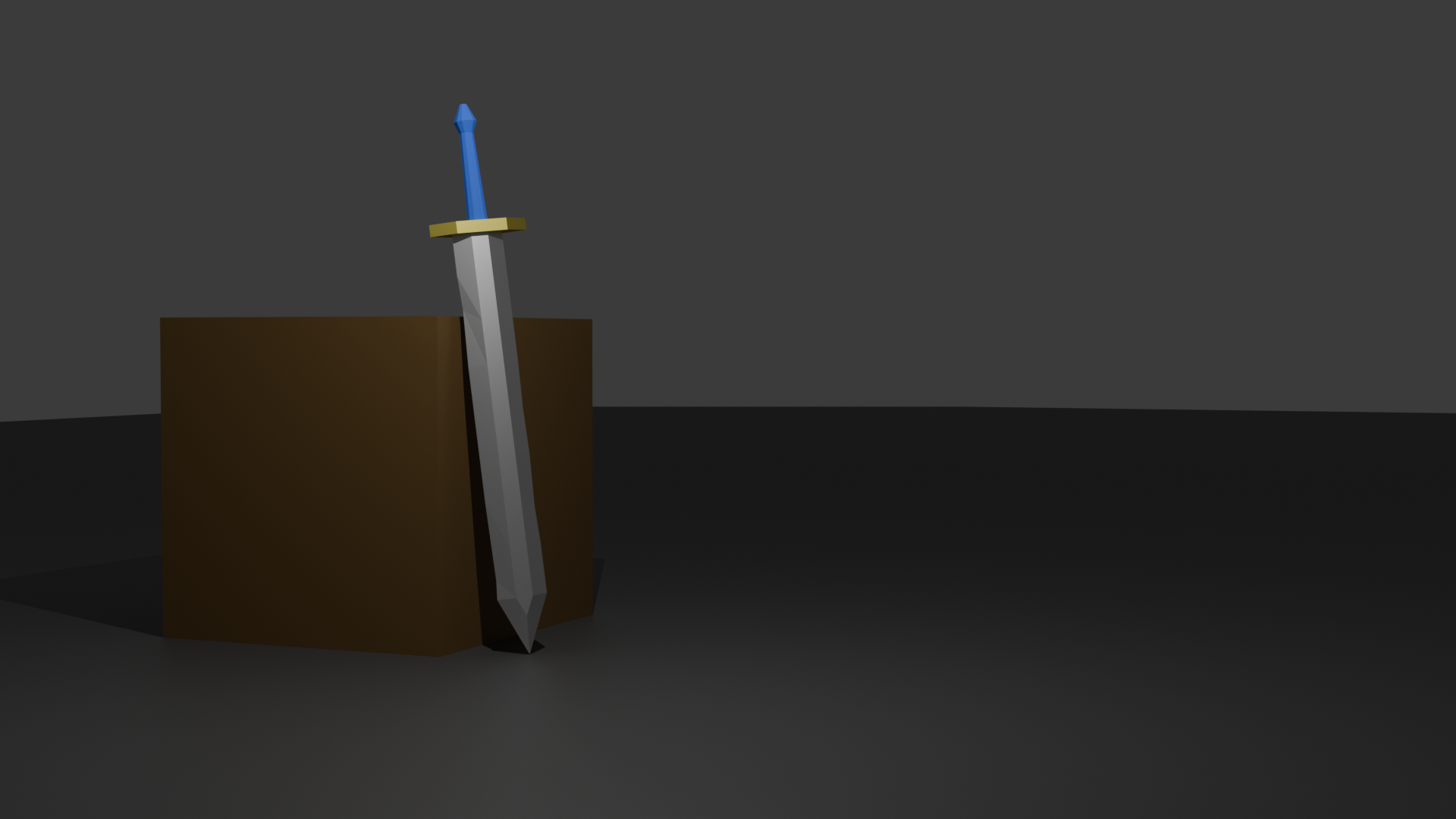
Start with a cubeLoop cut in the middle, then extrude two edgers on opposing sidesAdd another loop cut, then move the center vertice up to create the top of the sword. Then move the two vertices at the center up to create the triangle that are on the sides.Move the bottom face down to elongate the tip of the blade.Extrude the bottom face to add the length to the sword.To create the hilt, I did the same thing as the sword witht he loop cuts and extrudign the edges.I aded a cylinderDeleted the top face and made it longer.I created the hilt by selecting the ring of edges and extruding them, then I scaled the extruded faces. Then I did the same thing to close up the pommel of the swordScaled this edge to make it more realistic.Added loop cuts and moved the vertices to make the sword imperfectAdded the textures to the sword, I made the hilt and blade metallic. I also added a box for it to rest on.Final Render